





















First-layer adhesion is the single most common reason a 3D print fails. A print that lifts at the corner, warps off the plate, or refuses to stick at all is not a filament problem, a slicer problem, or a printer problem — it is a surface-and-temperature problem. Understanding how adhesion actually works turns constant troubleshooting into a set of deliberate choices.
This guide covers the full picture: how build surfaces and bed temperature interact, when a cold plate beats a heated bed, how to dial in first-layer settings, and how to match the surface to the material you are printing. By the end you will have a repeatable system instead of a pile of failed first layers.
What Actually Makes a Print Stick?
Adhesion is a balance of three forces: mechanical grip between the filament and the surface texture, chemical affinity between the polymer and the coating, and thermal bonding driven by bed temperature. Every material and every surface changes how these three combine.
Too little of any one and the part lifts. Too much and the part fuses to the plate, tears, or rips the coating. The art of first-layer tuning is finding the window where a part holds firmly during printing and releases cleanly when cool.
- Mechanical grip comes from surface texture — textured PEI, rough glass, or a frosted cold plate.
- Chemical affinity comes from coatings like PEI, glue stick, or specialized adhesives.
- Thermal bonding comes from holding the bed near the material's glass-transition behavior.
Heated Beds: The Traditional Approach
For a decade the standard answer to adhesion was heat. A heated bed keeps the first layers warm, which slows cooling and reduces the thermal contraction that causes warping. For materials with high shrinkage — ABS, ASA, nylon, polycarbonate — a heated bed plus an enclosure is still the correct answer.
Heated beds bring tradeoffs. High bed temperatures increase power draw, add warm-up time, and can bake residue onto the plate. They also do not solve warping on their own for high-shrinkage materials — without an enclosure, the part still cools unevenly from the top down.
| Material | Typical Bed Temp | Surface |
|---|---|---|
| PLA | 55–65 °C | PEI, textured PEI, or cold plate |
| PETG | 70–85 °C | Textured PEI (avoid bare glass) |
| ABS / ASA | 90–110 °C | PEI + enclosure |
| TPU | 40–60 °C | PEI or glue on glass |
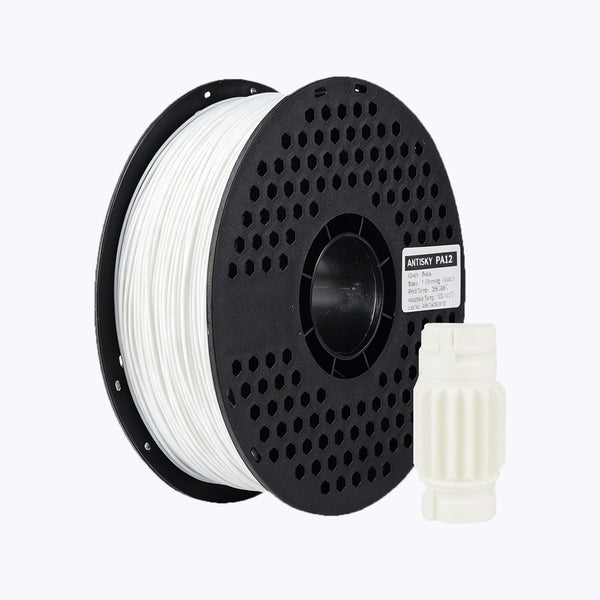
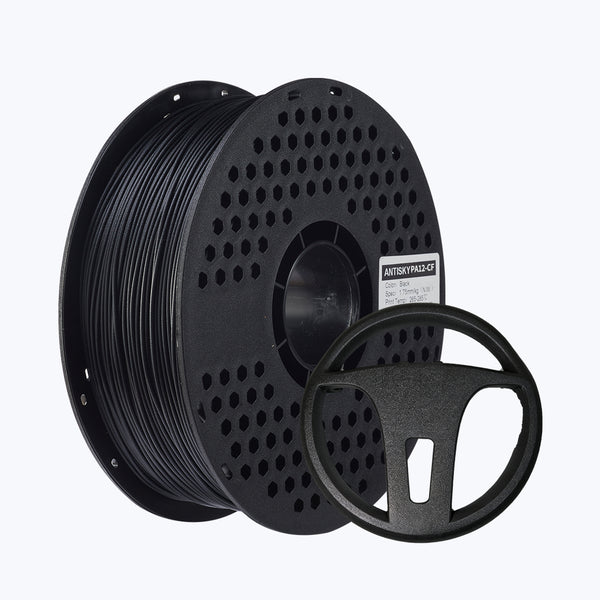
| Nylon | 70–100 °C | Garolite or PEI + enclosure |
Cold Plates: Adhesion Without Heat
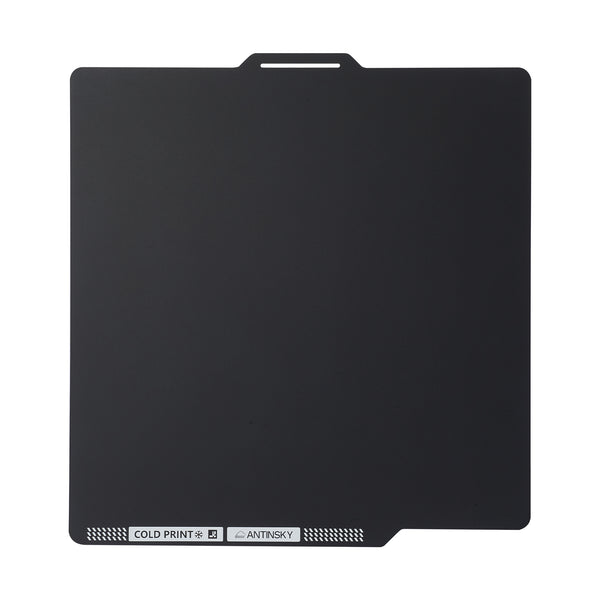
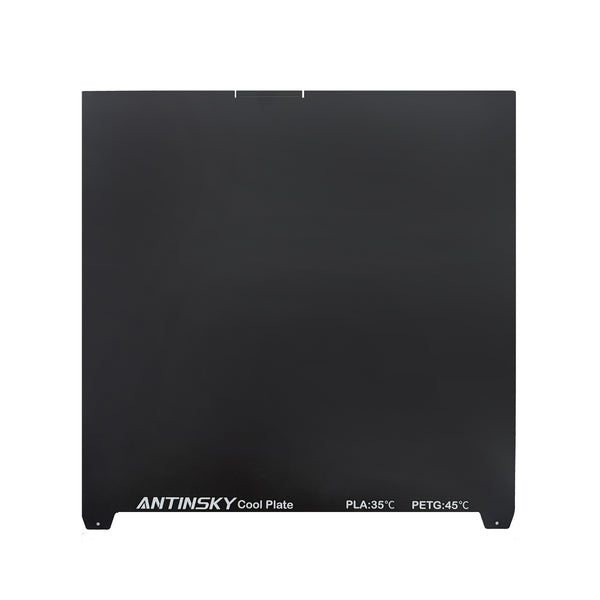
Cold plates flip the model. Instead of relying on thermal bonding, they use a specialized high-grip coating that grabs the first layer mechanically and chemically at room temperature — no bed heating required. The plate usually needs no glue, no tape, and no warm-up.
The advantages are significant. There is no heat-up wait, less power draw, and no baked-on residue. For PLA and PETG, a good cold plate can out-perform a heated bed for convenience and consistency. Best of all, parts often pop off cleanly once cool because the grip drops as temperature falls.
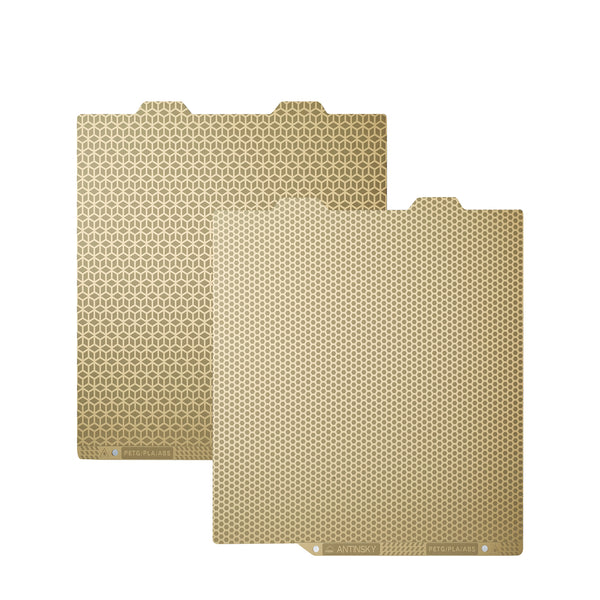
For Bambu Lab owners, the ANTINSKY Cold PEI Build Plate for Bambu Lab brings this no-heat workflow to a huge installed base. If you run a large-format machine, the ANTINSKY Cold PEI Build Plate for Creality K2 Plus delivers the same grip at 370 × 370 mm. And for a conventional heated setup, the ANTINSKY PEI Smooth Build Plate remains the reliable workhorse.
Cold Plate vs Heated Bed: Direct Comparison
| Factor | Cold Plate | Heated Bed |
|---|---|---|
| Warm-up time | None | 2–10 minutes |
| Power draw | Low | High |
| Best for PLA/PETG | Excellent | Good |
| Best for ABS/ASA/Nylon | Limited | Required |
| Warping control | Good with part cooling | Better with enclosure |
| Release when cool | Very easy | Easy to moderate |
| Maintenance | Wipe with IPA occasionally | Scrape/clean residue |
The short version: cold plates win for PLA and PETG on open-frame printers, and heated beds remain necessary for high-shrinkage engineering materials. Many makers use both — a cold plate for fast everyday PLA prints and a heated PEI sheet for ABS, ASA, and nylon.
How to Dial In the Perfect First Layer
Adhesion is 80% setup and 20% surface. Work through these steps in order.
- Clean the plate. Wash with warm water and dish soap, dry, then wipe with IPA. Finger oils are the number-one adhesion killer.
- Level and set Z-offset. The nozzle should just kiss the first layer. Too high and the line is round and loose; too low and it is thin and translucent.
- Set first-layer settings. Slow first layer speed (20–30 mm/s), wider first-layer line width (110–120%), and higher first-layer temperature.
- Control cooling. Keep part cooling low or off for the first few layers so the plastic bonds before it hardens.
- Add a brim for tricky parts. Tall, thin, or sharp-cornered parts benefit from a brim.
Material-Specific Notes
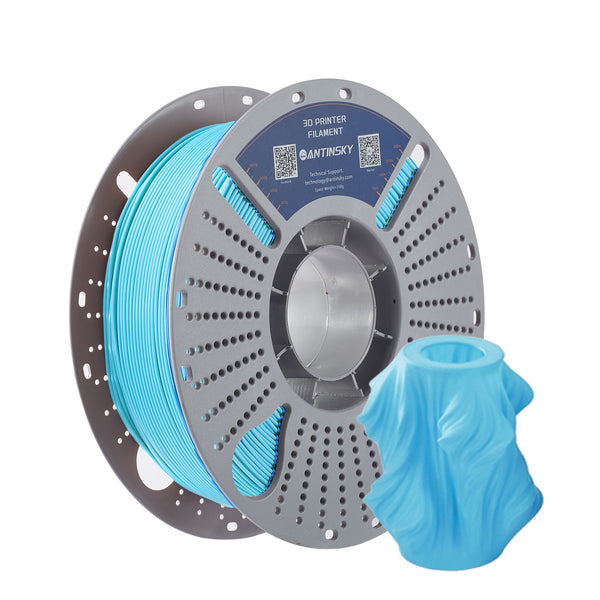
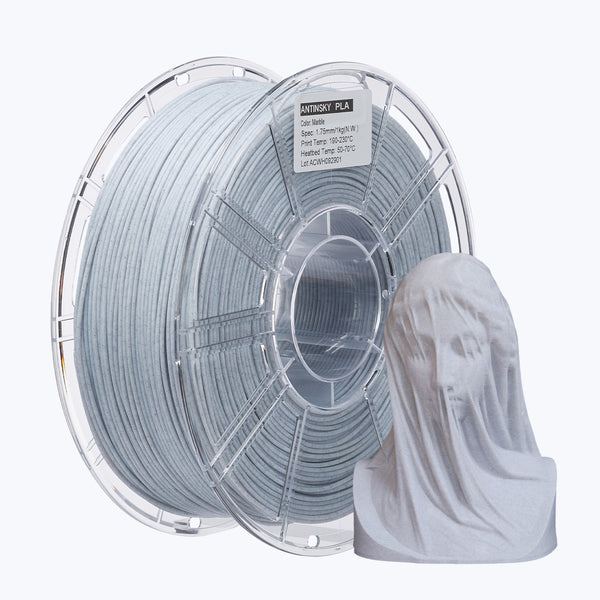
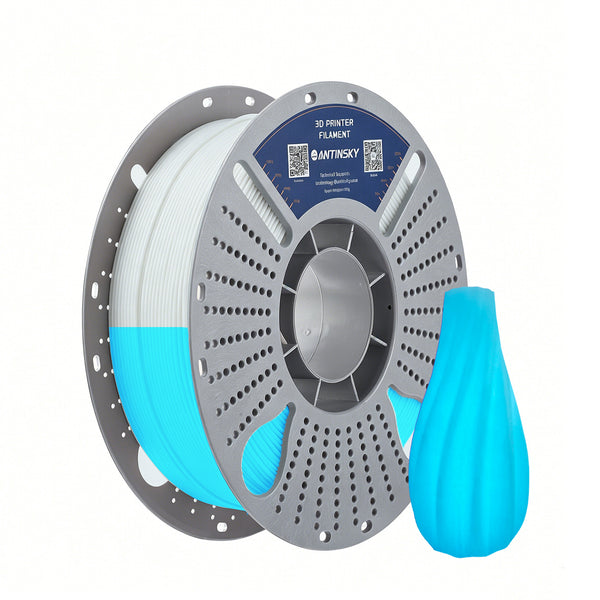
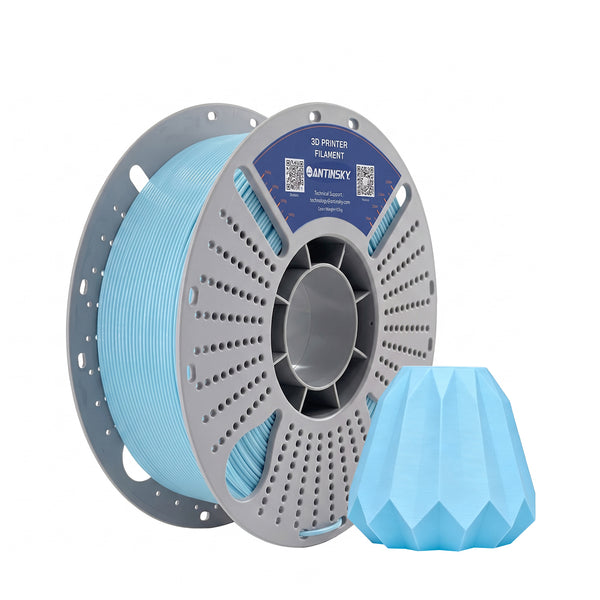
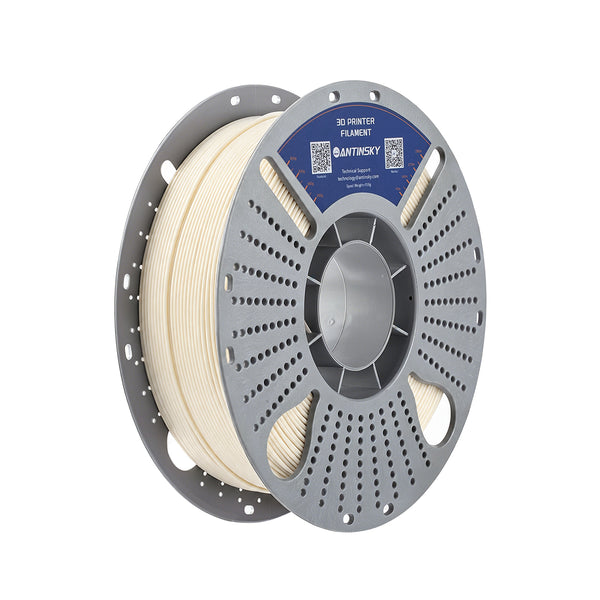
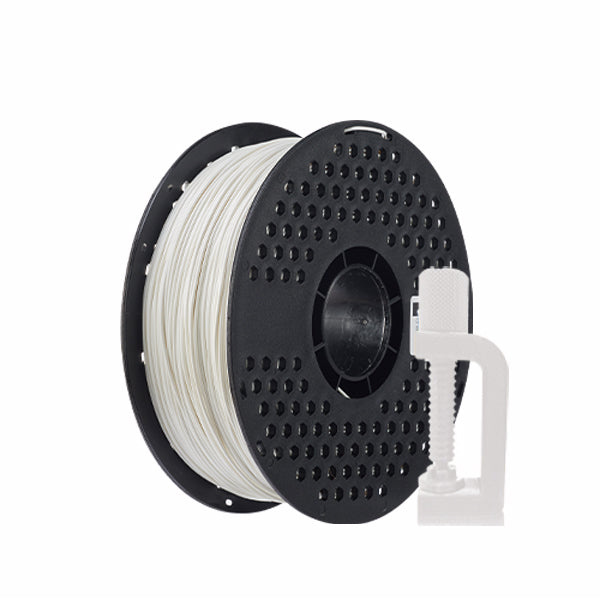
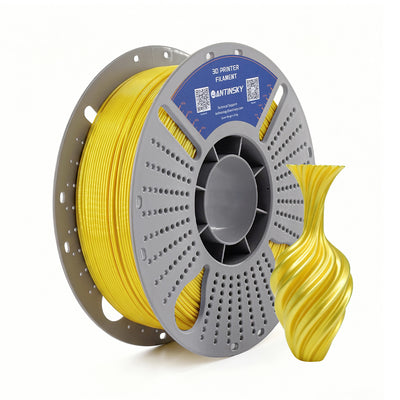
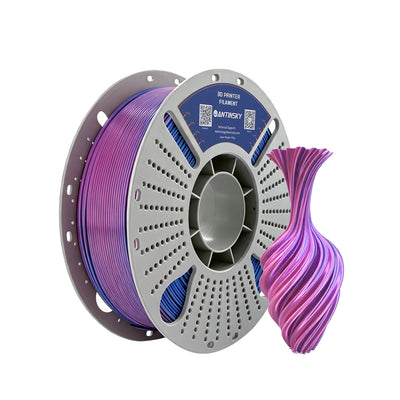
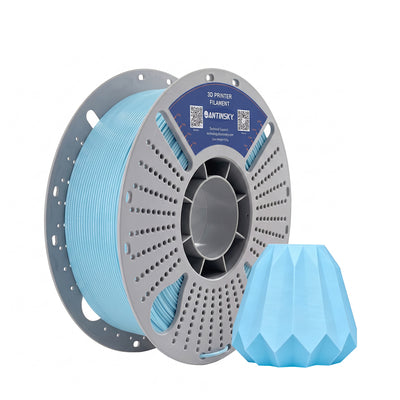
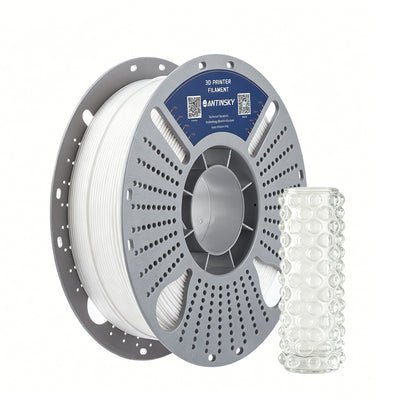
PLA is the easiest material to stick and the easiest to over-squish. It works beautifully on cold plates and textured PEI, and it releases cleanly once cool. A quality PLA like ANTINSKY PLA+ prints with predictable adhesion across most surfaces.
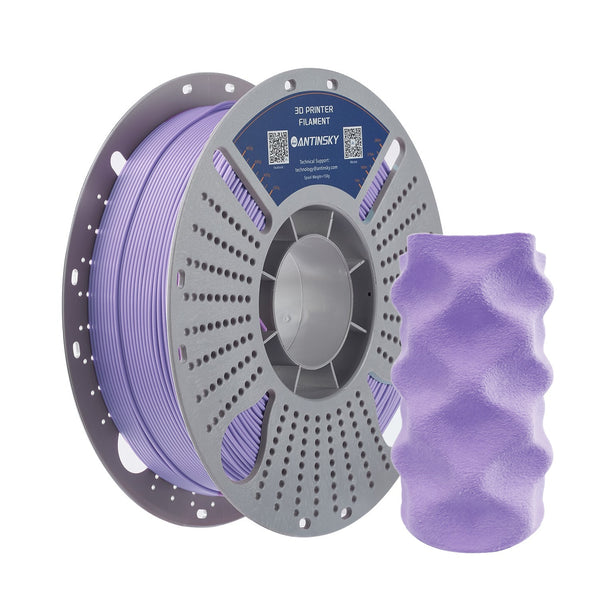
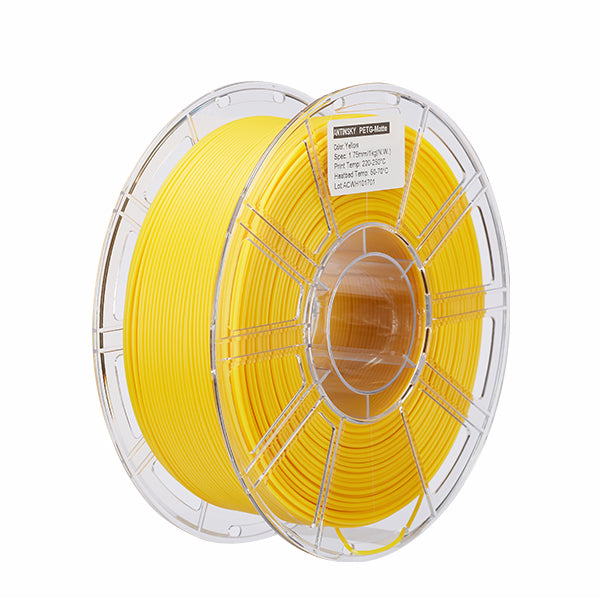
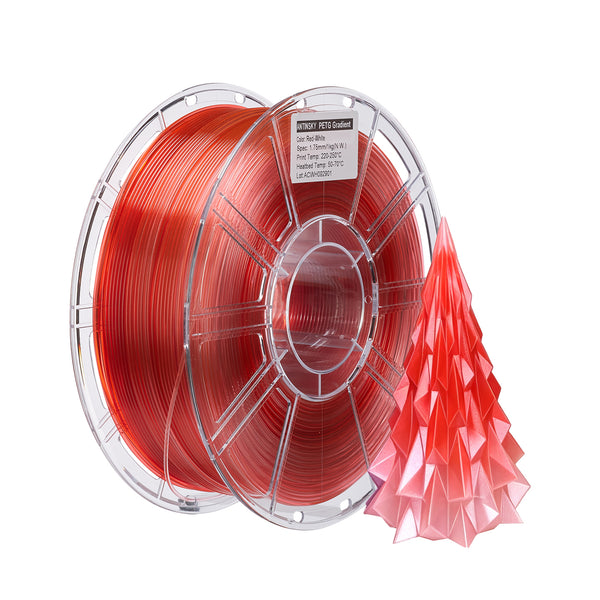
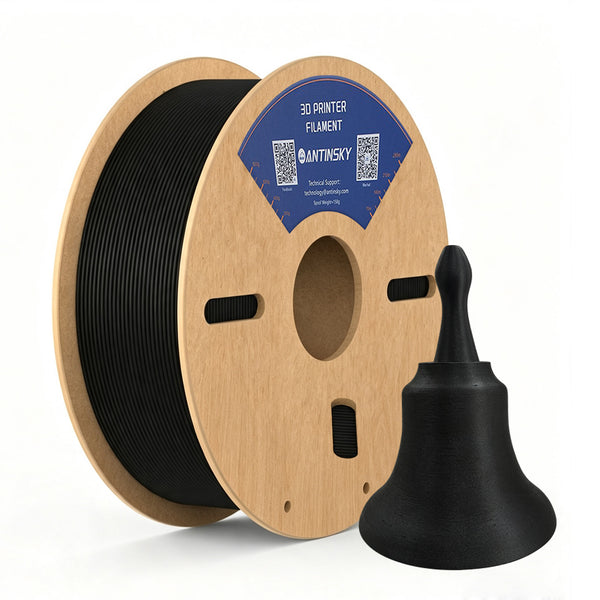
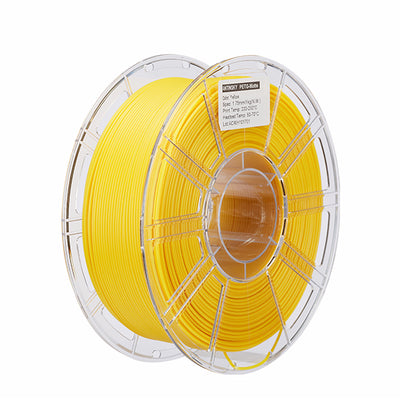
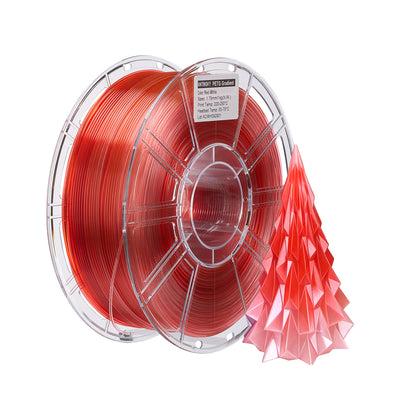
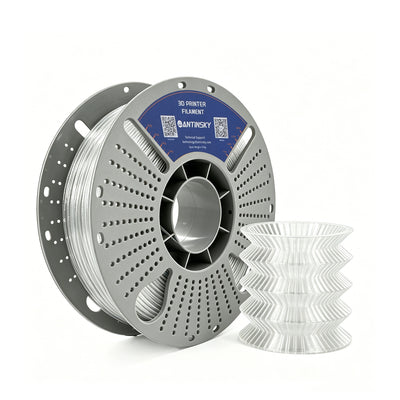
PETG is the adhesion trap. It bonds too well to bare glass and plain PEI — it can rip chunks out of the coating. Use a textured surface, a cold plate, or a light glue-stick release layer. The ANTINSKY PETG prints cleanly once your bed temperature and offset are dialed in.
TPU is forgiving because it is flexible, but it needs a slow first layer and good grip so it does not drag. A 95A TPU with a low first-layer speed sticks well on PEI.
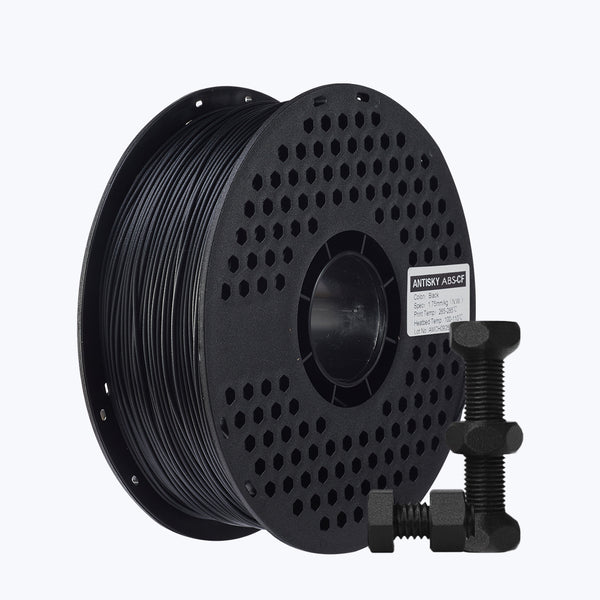
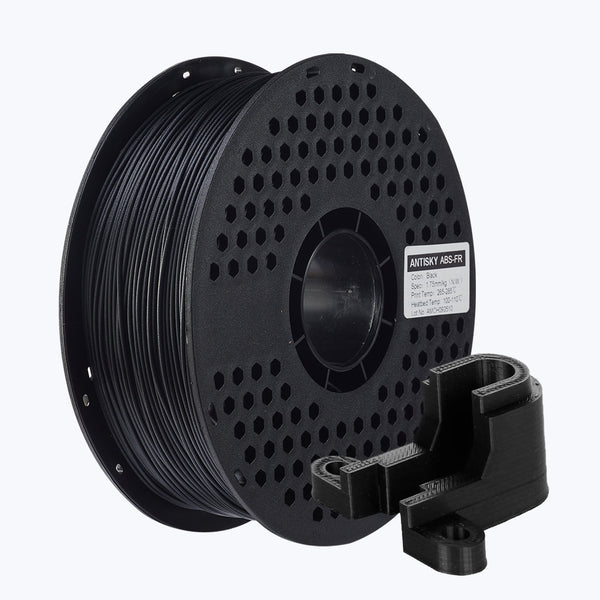
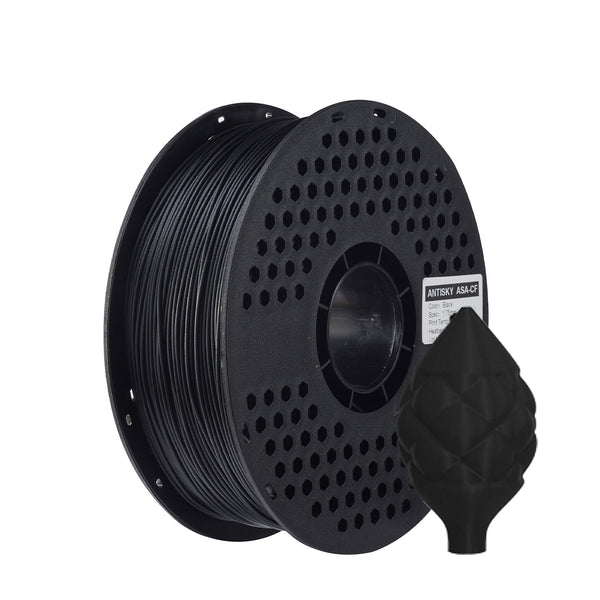
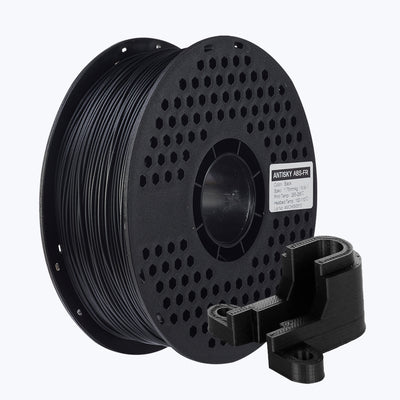
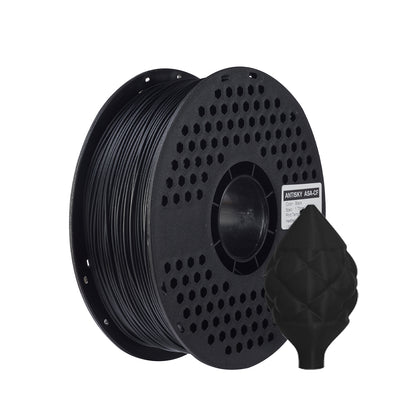
ABS, ASA, and nylon need heat plus an enclosure. No cold plate will save a large ABS part from warping on an open printer.
Adhesion Problems and Their Fixes
| Problem | Likely Cause | Fix |
|---|---|---|
| Part lifts at corners | Cooling too fast / dirty plate | Clean plate, raise bed temp, lower part cooling |
| First layer too thin | Z-offset too low | Raise nozzle slightly |
| First layer gaps | Z-offset too high / under-extrusion | Lower nozzle, check flow |
| Part fused to plate | Too much squish or wrong surface | Raise Z-offset, add release layer |
| Adhesion fades over time | Oils, residue, worn coating | Clean or replace the plate |
Maintaining Your Build Surface
Even the best plate degrades with use. Wipe it with IPA between prints, avoid touching the printable area, and never scrape with metal tools that gouge the coating. When adhesion starts to fade no matter how you tune, the surface is worn — replacing the sheet is cheaper than fighting it. Keep a spare plate on hand so a bad surface never stalls production.
Why Warping Actually Happens
Warping is thermal mechanics, not chemistry. As each new layer is laid down hot and cools, it contracts. If the part is free to move, it simply shrinks. If it is stuck to the bed, the contracting layers pull against the bonded first layer, building up stress. Once that stress exceeds the bond strength, the corner lifts.
Three levers control this. Reduce the temperature difference between the extruded plastic and the environment (heat the chamber). Slow the cooling (reduce part cooling). And increase bond strength (a grippier surface and a slightly squished first layer). High-shrinkage materials like ABS shrink 0.5–0.8% as they cool; low-shrinkage materials like PLA shrink far less. This is why the same part prints flawlessly in PLA and warps instantly in ABS on the same machine.
Ambient Temperature and Enclosures
Room temperature matters more than most people realize. A cold draft near an open-frame printer can lift a PLA part that would otherwise print perfectly. Moving the printer away from windows, doors, and air-conditioning vents is a free fix that solves a surprising number of "mystery" warping cases.
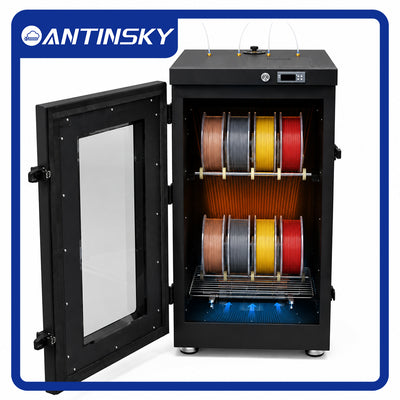
For engineering materials, an enclosure is not optional. It traps heat, slows cooling, and stabilizes the environment so the part contracts evenly. Combining an enclosure with a heated bed is what makes large ABS, ASA, and nylon parts possible. Without both, you are fighting physics with slicer settings alone.
Choosing Your First Build Surface
If you print mostly PLA and PETG, start with a cold plate — it is the lowest-friction entry point and needs no heat or glue. If you print a mix that includes ABS or nylon, choose a PEI sheet and a heated bed, because you will need temperature on your side.
A practical setup for most makers is two surfaces: a cold plate for fast everyday PLA/PETG work and a textured PEI sheet for everything else. Swapping a flexible sheet is far faster than fighting a compromised coating, and it lets you dedicate each surface to the materials it handles best.
Removing Prints Without Damaging the Plate
How you remove a part is as important as how you make it stick. Let the plate cool first — most grips drop sharply as temperature falls, so the part often releases on its own. Use a flexible plate: bend it gently and the part pops off. Avoid metal scrapers on coated surfaces, never pry against the coating, and clean the plate immediately after removal so residue does not bake on during the next print.
Rough removal is a leading cause of scratched coatings and mysterious loss of adhesion. Treat the surface as a consumable to be protected, not a tool to be forced.
Bed Leveling and Z-Offset: The Real Foundation
No surface or temperature can rescue a machine with an inconsistent first layer. Bed leveling ensures the nozzle sits the same distance from the plate everywhere; Z-offset sets that distance. If the left corner is squished and the right corner is loose, adhesion will fail unevenly no matter what else you change.
Modern printers usually handle leveling automatically with a mesh probe, but the Z-offset still needs a deliberate tune. Print a single-layer patch and read it. A good first layer is smooth, slightly flattened, and uniform, with adjacent lines just touching and no gaps between them. Lines that are round and separated mean the nozzle is too high. Lines that are translucent, over-squished, or rippled mean it is too low.
Dial the offset in small steps — 0.01–0.02 mm at a time — and re-check. Once you find the sweet spot, save it and record it. A well-set offset is stable across many prints, so this is a one-time investment that pays back on every job. Re-check it after swapping nozzles, changing a plate, or moving the printer.
Frequently Asked Questions
Do I really need a heated bed for PLA?
No. PLA adheres well at room temperature on a cold plate or textured PEI. A heated bed at 55–65 °C helps consistency slightly but is not required.
Can I use a cold plate for PETG?
Yes — cold plates are actually ideal for PETG because they prevent the over-bonding that damages glass and smooth PEI. Always let the part cool before removing it.
Why does my print stick during printing but warp later?
That is a warping problem, not an adhesion problem. The first layer bonded, but the part cooled unevenly and pulled itself up. Use an enclosure and reduce cooling for high-shrinkage materials.
How often should I clean my build plate?
Wipe with IPA before every print, and give it a soap-and-water wash every 10–20 prints or whenever adhesion weakens.
Is glue stick necessary?
Not for PLA on PEI or a cold plate. Glue is a release agent — it helps PETG and TPU detach without damaging the surface.
What is the best bed temperature for PETG?
Start at 80 °C and adjust from there. Too hot causes elephant-foot and over-bonding; too cool causes lifting.
Do I need a heated bed for ABS or ASA?
Yes, always — a heated bed at 90–110 °C plus an enclosure is required to control warping. A cold plate alone cannot hold a large ABS or ASA part, because the part cools unevenly and pulls itself off the plate from the top down.
Final Thoughts
Cold plates and heated beds are not rivals — they are tools for different jobs. Use a cold plate for fast, clean PLA and PETG printing on open-frame machines, and rely on a heated bed (plus an enclosure) for engineering materials. Clean your surface, set your Z-offset precisely, and slow down the first layer, and the majority of adhesion failures simply disappear.
Find build plates, PEI sheets, and filaments tuned for reliable adhesion at ANTINSKY.