





















How to Print PETG: The Complete Settings & Troubleshooting Guide
PETG is the sweet spot of 3D printing filaments — stronger than PLA, easier to print than ABS, and tough enough for functional parts. But it has its own quirks: stringing, poor bed adhesion, and a habit of turning into a blob on your nozzle.
This guide covers everything you need to print PETG successfully: the exact settings, the common mistakes, and how to fix them.
What Is PETG Filament?
PETG (Polyethylene Terephthalate Glycol) is a modified version of the plastic used in water bottles. The glycol modification prevents crystallization, which makes it printable. The result is a filament that combines:
- Strength and toughness — far more impact-resistant than PLA
- Chemical and moisture resistance — great for outdoor parts
- Heat resistance — survives hot cars and warm environments better than PLA
- Low warping — prints without an enclosure, unlike ABS
PETG Print Settings (The Short Version)
| Setting | Recommended Value |
|---|---|
| Nozzle temperature | 230–250°C |
| Bed temperature | 70–80°C (first layer 80°C) |
| Print speed | 40–60 mm/s |
| Cooling fan | 30–50% (off for first layers) |
| Layer height | 0.16–0.28 mm |
| Retraction distance (Bowden) | 4–6 mm |
| Retraction distance (Direct drive) | 1–2 mm |
| Retraction speed | 30–45 mm/s |
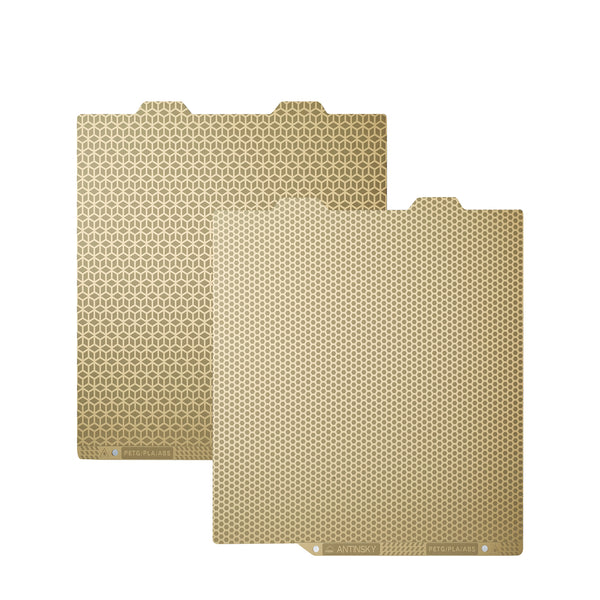
| Bed surface | PEI, glass with glue stick, or a cold plate |
Step-by-Step: Getting a Perfect First Layer
The first layer decides the whole print. PETG sticks aggressively, so a slightly higher nozzle height helps:
- Set your Z-offset so the nozzle is just barely squishing the filament — PETG prefers a slightly looser first layer than PLA
- Use 80°C bed temperature for the first layer, then drop to 70°C
- Print the first layer at 20–30 mm/s for maximum adhesion
- Keep the cooling fan OFF for the first 2–3 layers
Why Is My PETG Stringing? (And How to Fix It)
Stringing is PETG's most famous problem. The filament oozes during travel moves, leaving spider webs across your print. Fix it in this order:
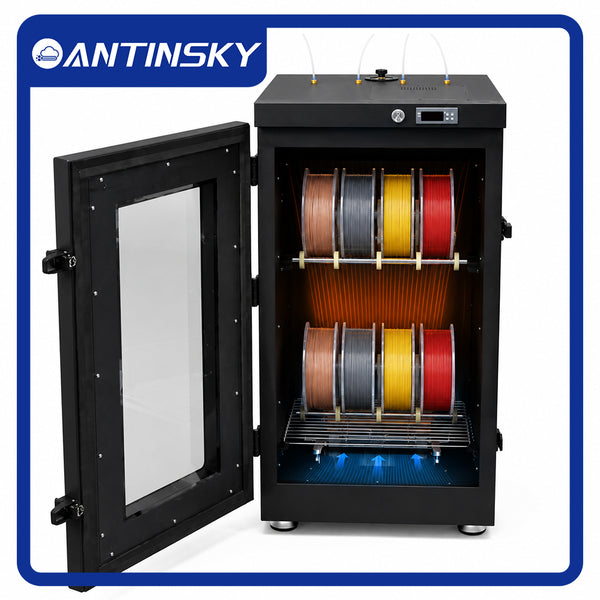
- Dry your filament — wet PETG strings like crazy. Dry at 60–65°C for 4–6 hours (see our complete filament drying guide)
- Increase retraction distance by 0.5 mm at a time
- Lower nozzle temperature by 5°C steps — hotter PETG oozes more
- Enable coasting or wipe in your slicer
- Increase travel speed so the nozzle moves faster between parts
PETG Bed Adhesion Problems
PETG has two opposite problems: it won't stick, or it sticks too well and rips chunks out of your build surface.
Not sticking?
- Clean the bed with isopropyl alcohol — oils from your fingers kill adhesion
- Raise bed temperature to 80°C
- Slow the first layer down to 20 mm/s
- Check Z-offset — the nozzle may be too far from the bed
Sticking too well?
- Use a glue stick as a release agent on glass — it helps both adhesion and removal
- On PEI, a thin layer of glue stick prevents PETG from fusing permanently to the surface
- Wait for the bed to cool completely before removing the part
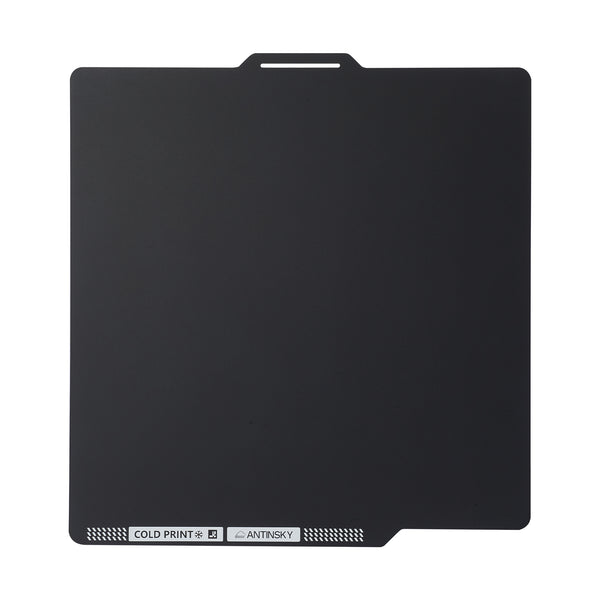
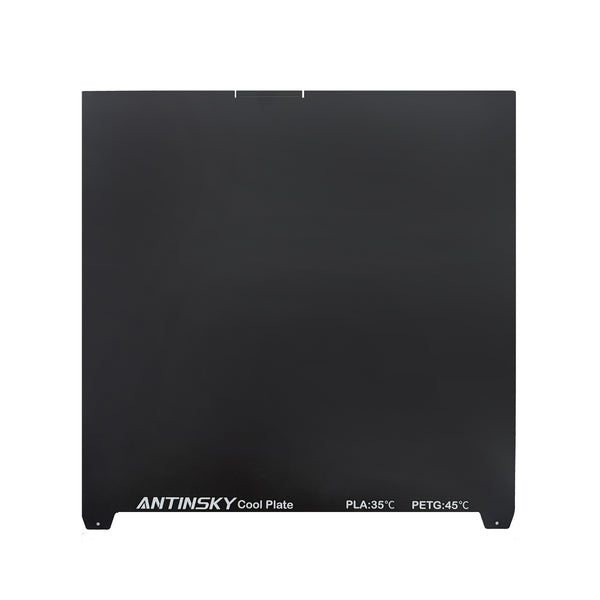
- Consider a cold PEI build plate — prints pop off easily once the plate cools to room temperature, no scraping needed
PETG vs PLA vs ABS: Which Should You Use?
| Property | PLA | PETG | ABS |
|---|---|---|---|
| Ease of printing | ⭐⭐⭐⭐⭐ | ⭐⭐⭐⭐ | ⭐⭐ |
| Toughness | ⭐⭐⭐ | ⭐⭐⭐⭐⭐ | ⭐⭐⭐⭐ |
| Heat resistance | ⭐⭐ | ⭐⭐⭐⭐ | ⭐⭐⭐⭐⭐ |
| Outdoor durability | ⭐⭐ | ⭐⭐⭐⭐⭐ | ⭐⭐⭐ |
| Warping risk | Low | Low | High |
| Fumes/ventilation | None | Mild | Strong (needs ventilation) |
If you want the strength of ABS without the warping and fumes, PETG is the answer. That's why it's become the go-to material for functional prints, drone parts, and anything that lives outdoors.
Common PETG Problems and Quick Fixes
| Problem | Cause | Fix |
|---|---|---|
| Stringing | Wet filament / too hot | Dry filament, lower temp, more retraction |
| Poor layer adhesion | Too cool / too fast | Raise nozzle temp, slow down |
| Blobs on print | Oozing at layer start | Enable coasting, increase wipe |
| Part won't come off bed | Fused to surface | Glue stick barrier, cool bed fully, cold plate |
| Bubbles in print | Wet filament | Dry at 60–65°C for 4–6 hours |
| Warped corners | Bed temp too low / drafts | 80°C bed, shield from drafts |
FAQ
Do I need an enclosure for PETG?
No. PETG prints fine without an enclosure. Just keep it away from strong drafts and cold windows.
Can PETG be printed on a cold plate?
Yes — cold plate technology keeps the bed cool while maintaining adhesion through a special surface coating, and parts release effortlessly when the plate returns to room temperature.
Is PETG food safe?
PETG is FDA-approved for food contact in its base form, but 3D printed parts have microscopic layer lines that can harbor bacteria. Not recommended for direct food contact.
How long does PETG last outdoors?
PETG is UV-resistant and waterproof — it holds up far better than PLA outdoors. It's a top choice for garden, automotive, and marine applications.
Ready to Print PETG?
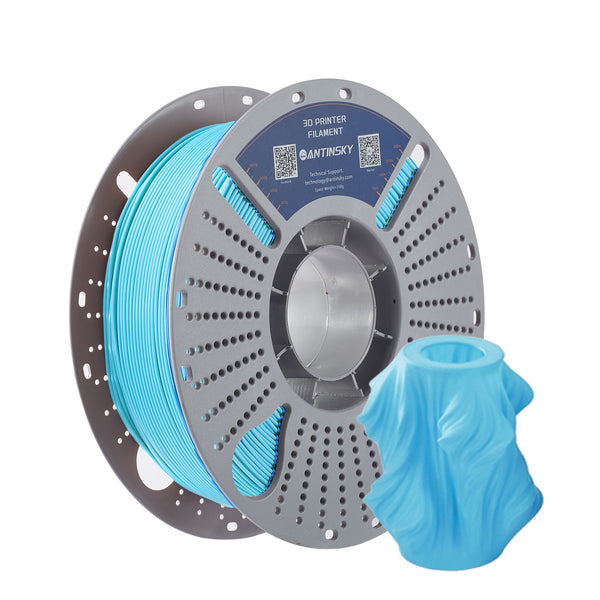
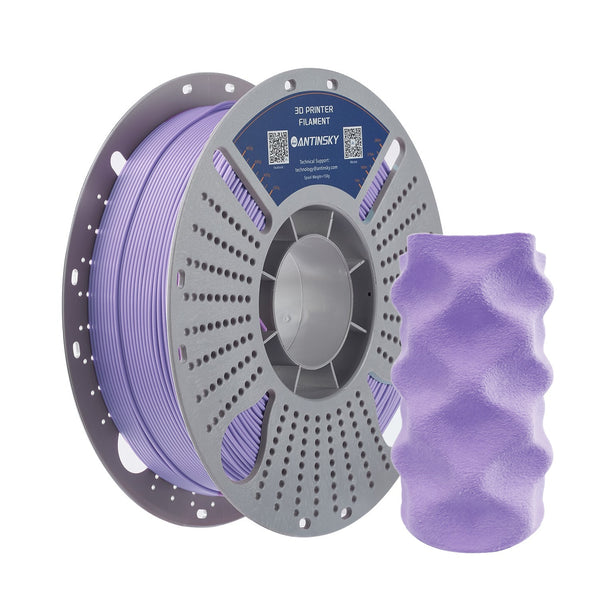
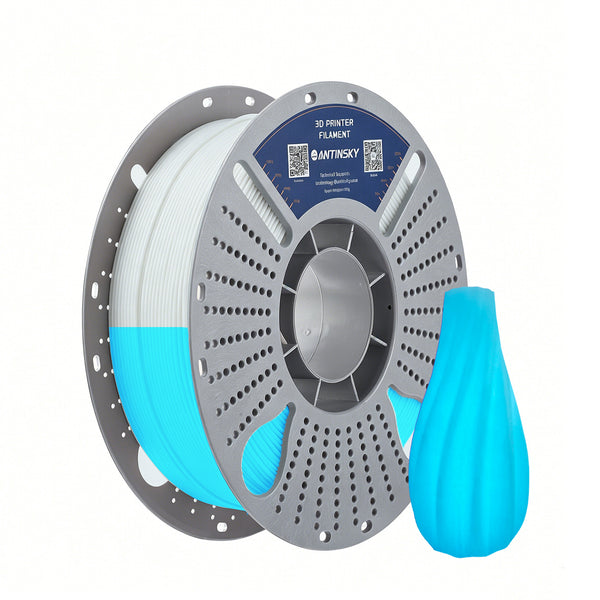
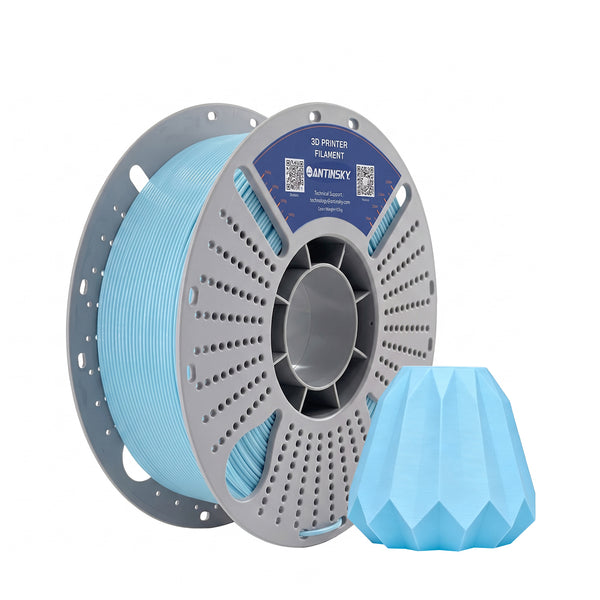
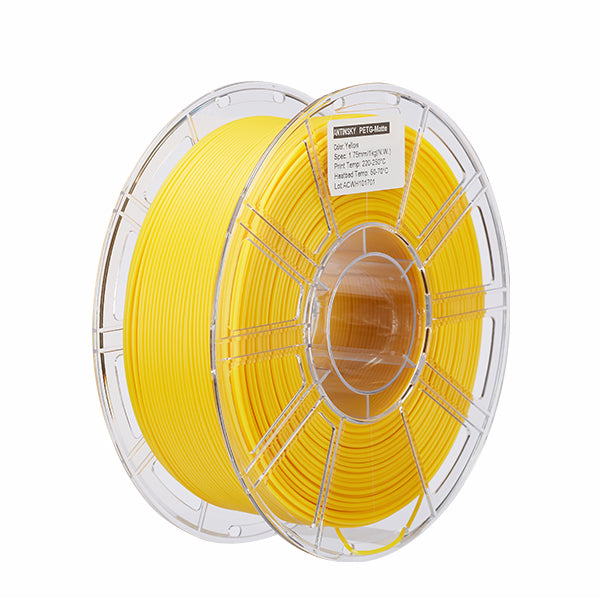
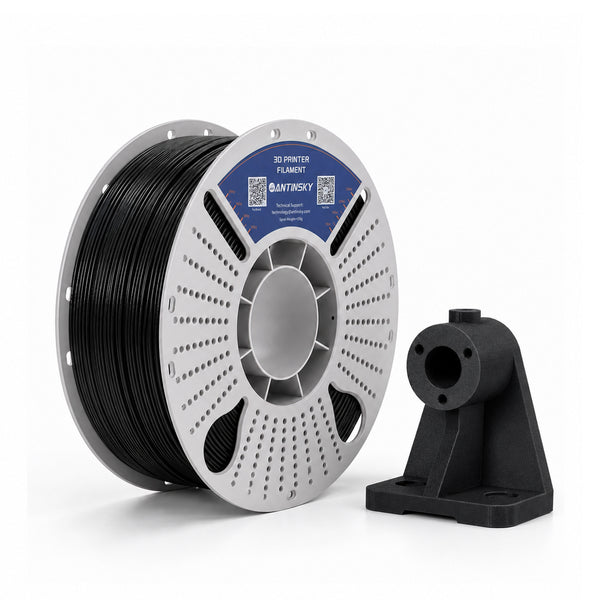
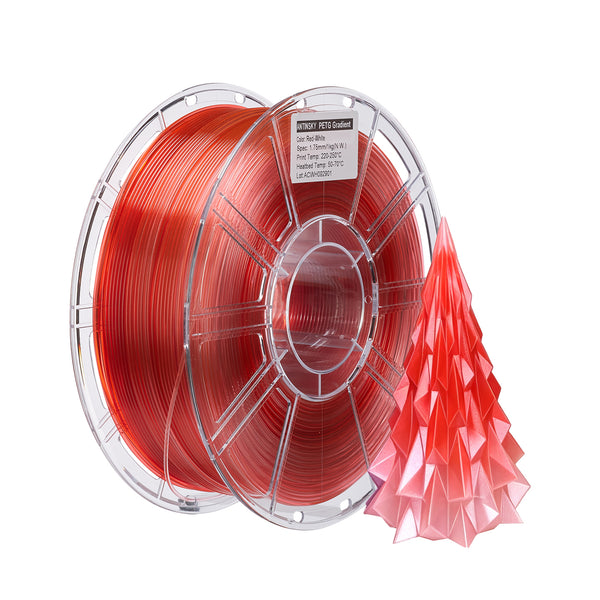
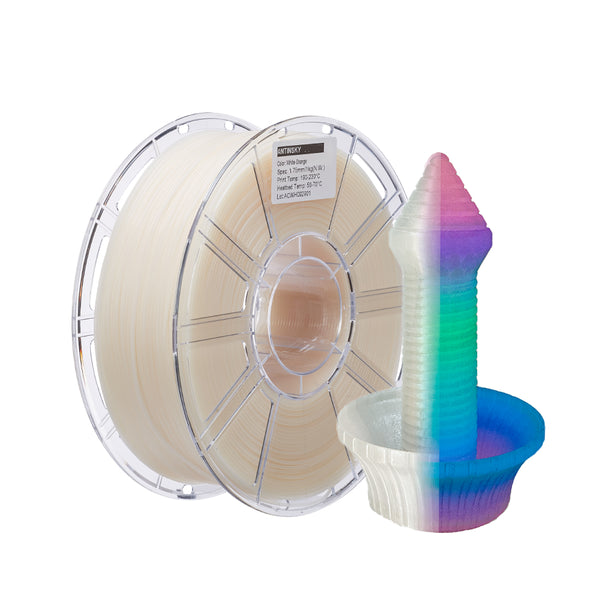
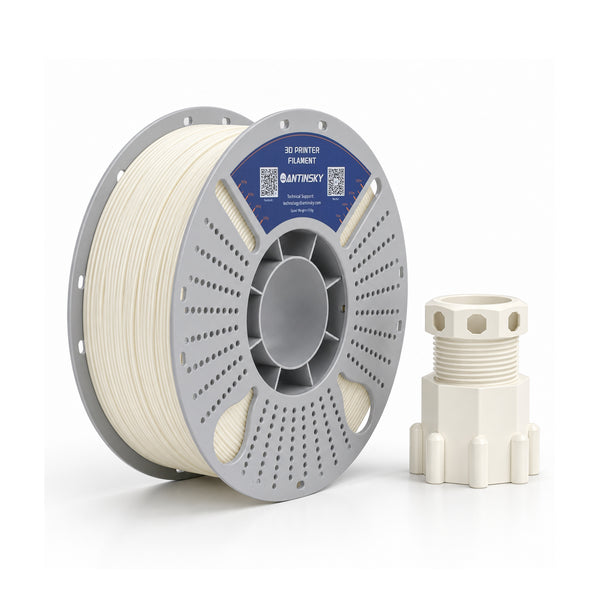
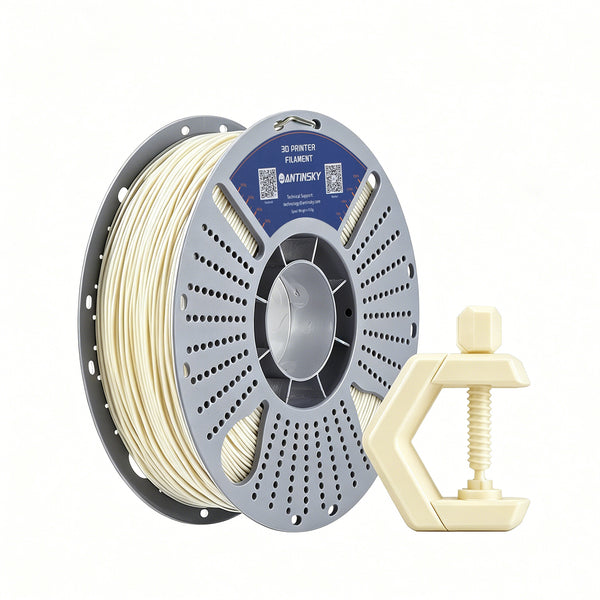
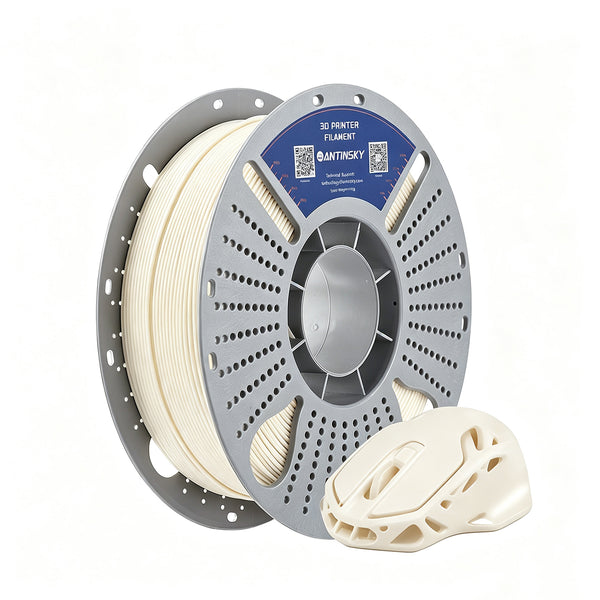
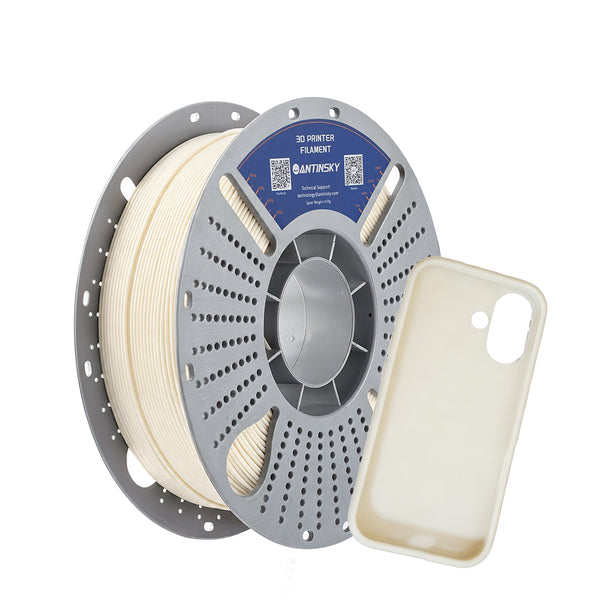
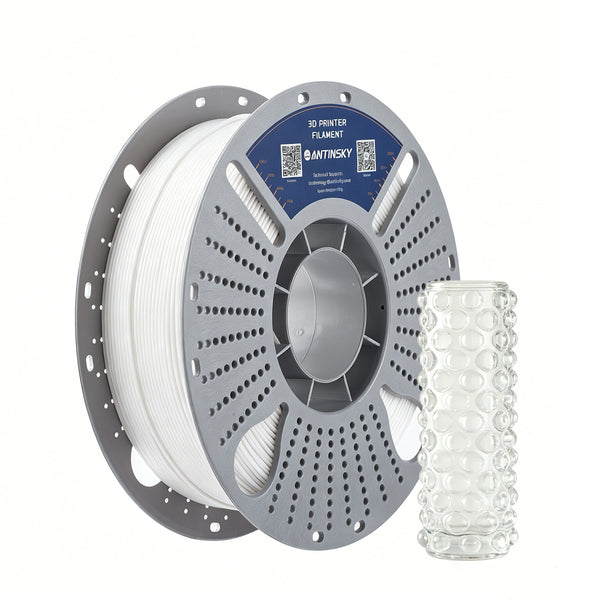
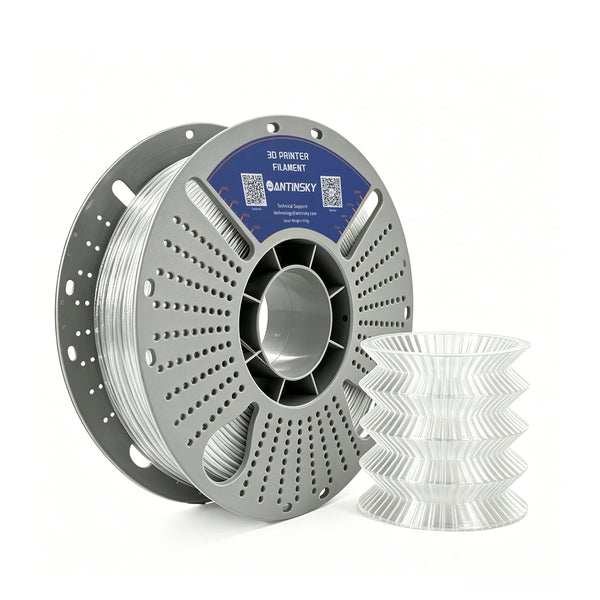
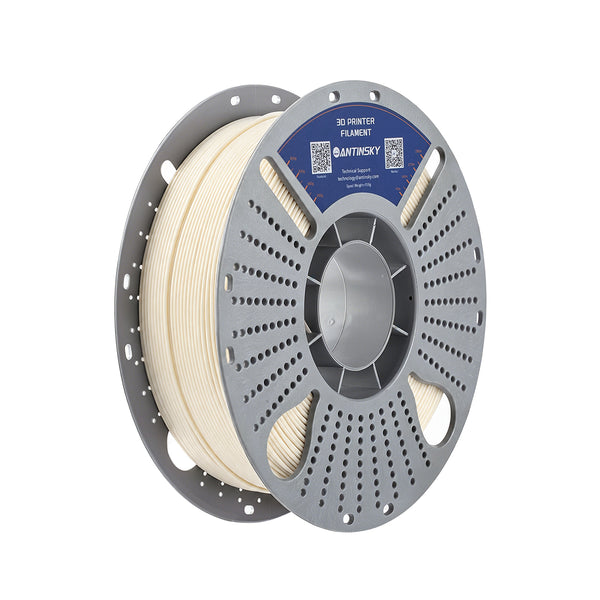
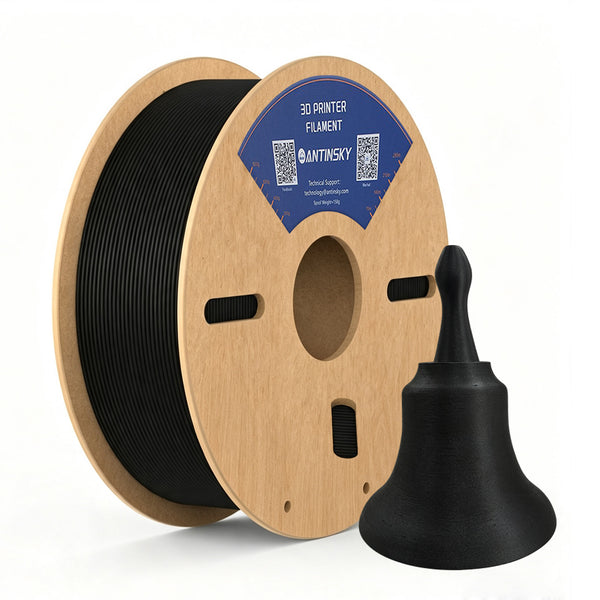
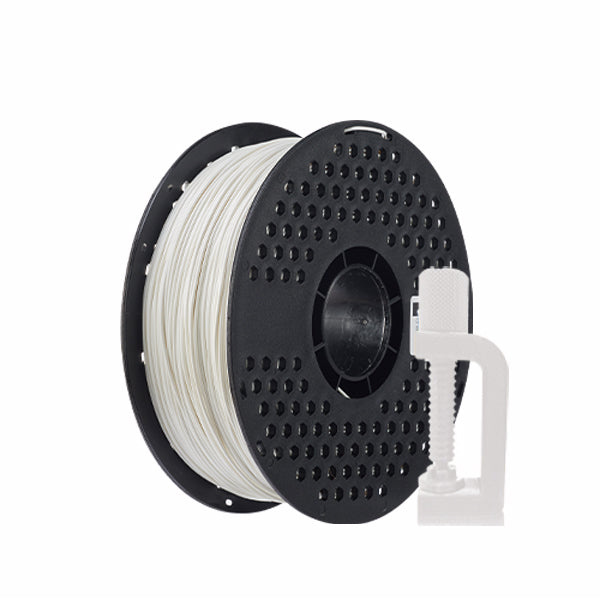
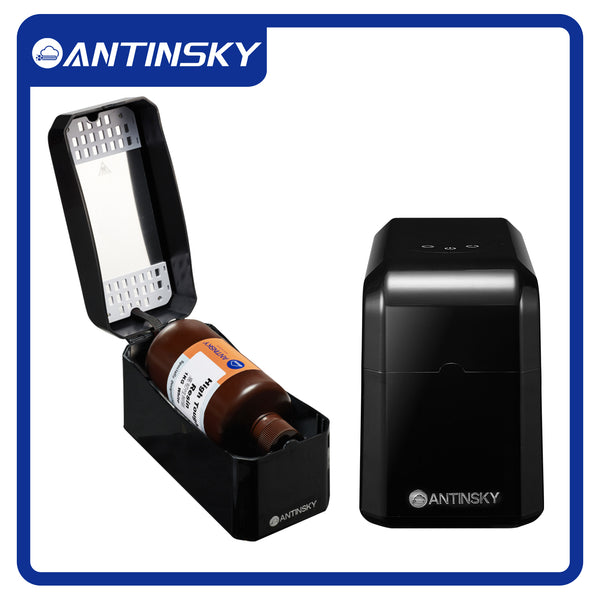
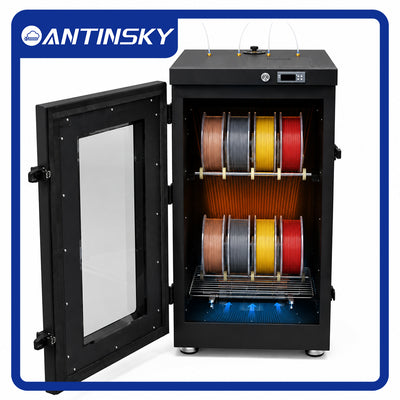
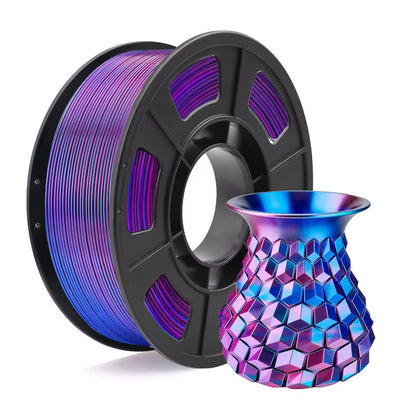
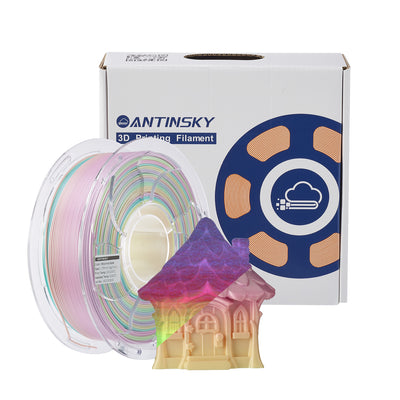
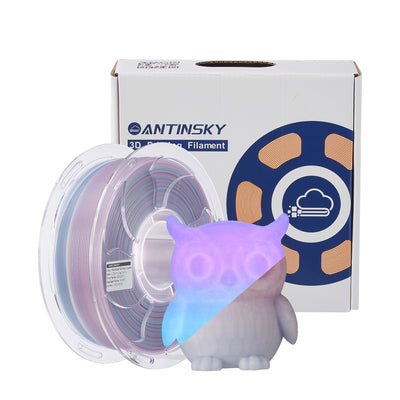
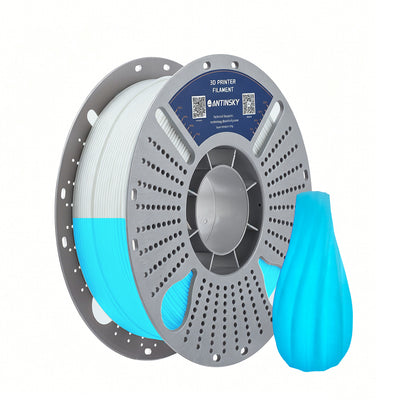
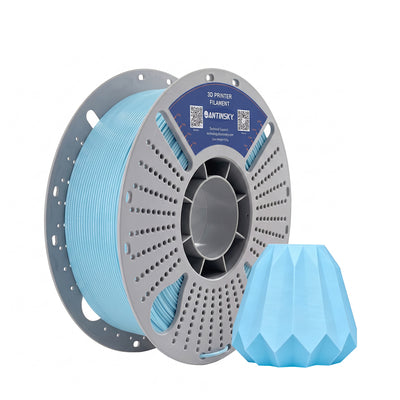
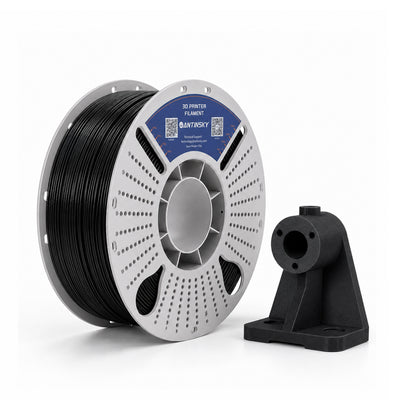
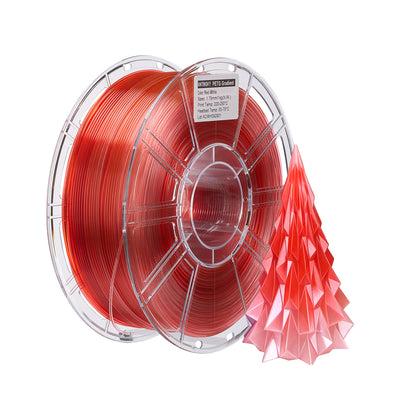
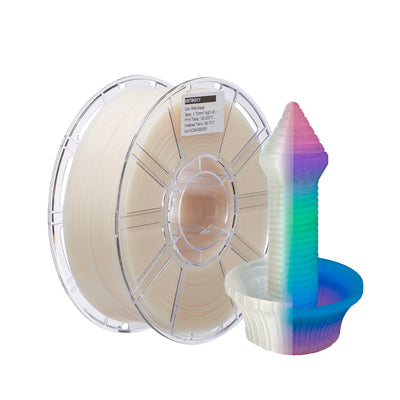
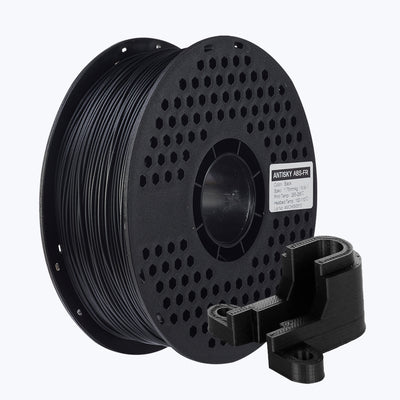
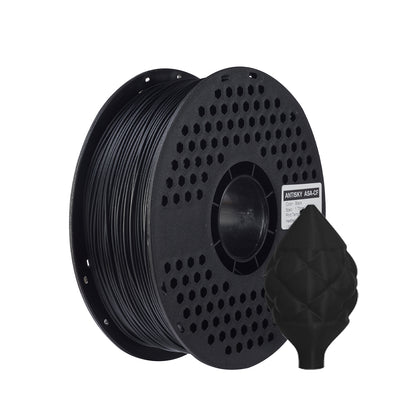
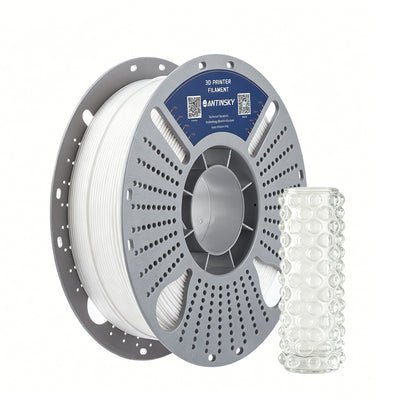
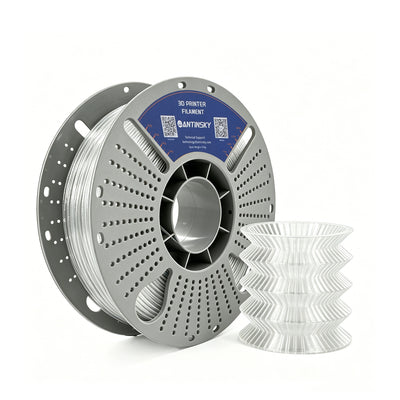
PETG rewards patience. Dry it, dial in the first layer, and it becomes one of the most reliable materials you'll ever print. Start with quality filament — our ANTINSKY PETG 3D Filament is available in 20 vivid colors with ±0.02 mm diameter accuracy. And if you print a lot, pair it with a FilaBox filament dryer to keep every spool print-ready.